Audio Resources

Over the years of making electronic music, i created a modest, but nice collection of bits and sounds that help me in music making. I main Renoise and Ableton: there are some program-specific resources for those, along with more goodies like LSDJ saves, and stems of my tracks. Read the terms of use and dig in!

[unloaded]

pick your destination

Samples & Stems

Synthesized Snares

Soft Kicks

Kouyou Drum Pack

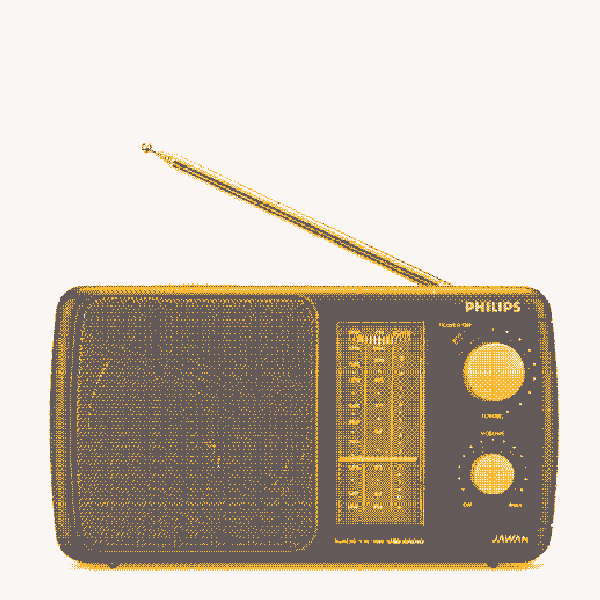
Bad Radio

Water Sounds

Feedback Percussion

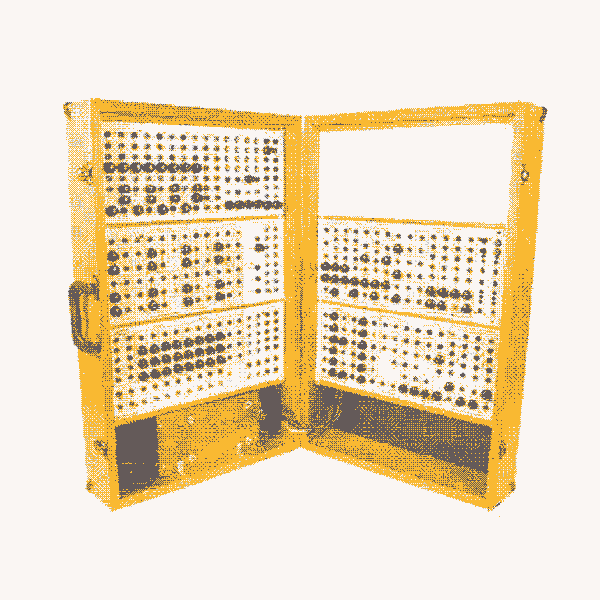
Serge VCF pings

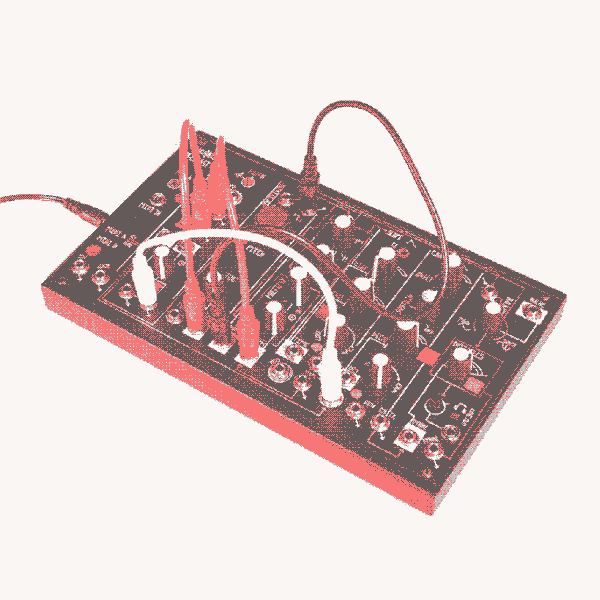
0-Coast Tones

MS-20m bell tones

88 nu-gabba kicks

Circuitbent Casio

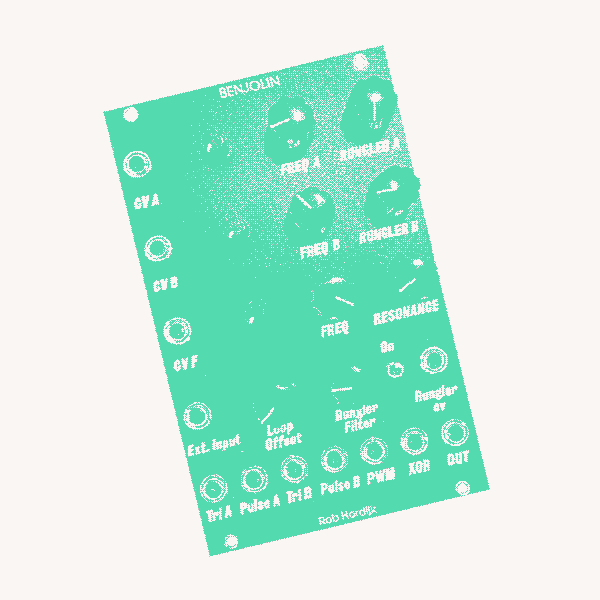
Benjolin Mini Pack

Metasonix R-54 Drums

Hard Analog Bassdrums

RECCA corruptions

CONTRA corruptions


Album Stems & Resources


Track Stems & Resources

Other Sounds

The samples in this tab are not of my original creation - mostly it's the sounds i extracted from binary files of some of my favourite games. These are exempt from the general resource terms of use, since they are not by me. All materials belong to their respective creators and/or owners; and i claim no ownership, ask no credit, and so on. These are to be used creatively and fairly!


Game sounds

Ableton

under construction

Renoise

A seriously well-crafted crossbreed of a tracker and a DAW for just 75 bucks "forever yours" purchase (and an infinite demo), Renoise shines brightly among the modern higher-end all-in-one music production tools. Since 2019, it has been steadily pushing Ableton out of my workflow. Renoise has built-in interfaces for expressing one's creativity outside of composition and mixing: some of the bits i made and found potentially useful for others are shared here.


Formulas

Looking at Renoise, one may be tempted to think it's a tracker. And while it kind of is, imagine my surprise when i found out it's a programmable modular synthesizer, too! Its formula controller is an absolutely overpowered insane beast, allowing to program custom control routines for effects. Here's a stash of the cooler ones i figured out for myself for everyone else to use - just plop the code part into the main area, the Y part to the "y=" subarea, and it should start working instantly.

Quantized Saw-Sine LFO

Renoise has a built-in LFO controller, but it lacks proper tempo sync and is independent from the song position, so you can never count on it being the same in the same moment twice. This thing provides an alternative. Fade between sine, no LFO and sawtooth at will, too!

muls = {1,2,3,4,5,6,7,8,12,16,32,48,64,96,128,192,256,512};
function lfo(speed, offset, fade)
  local saw = 1-(SAMPLES/SPL/NUMLINES/4*muls[1+floor(speed*17)]%1);
  local sine = sin(saw*PI);
  local faded = saw*max(0,fade-0.5)+sine*max(0, (1-fade)-0.5);
  return offset+faded;
end
lfo(A,B,C)

Step Sequencer

This sequencer provides dynamic control over sequence length and lines per sequence step. The values themselves are programmed as float numbers from 0 to 10 into the 'sequence' array. Piling a bunch of these at different tempo divisions and sequence lengths to control parameters of the same sound creates wonderful complex meandering patterns.

-- edit your sequence as floats 0..10 here!
sequence = {1,6,2,3,10,8,5,9};
function seq(rate, length, offset)
  local div = 1 + floor((1-rate)*7);
  local len = 1+floor(length*7);
  local index = floor(LINE/div) % len;
  return sequence[1+index]*0.1+(offset-0.5);
end
seq(A,B,C)
Doofers

Whatever is missing from the stock collection of effects can often be created by chaining the stock elements. Luckily, Renoise provides an interface to wrap effect chain pieces into effects of their own - Doofers. Below is a list of downloadable Doofer presets that greatly help me with making music in Renoise. Drag and drop these to your renoise's User Library/Effect Presets and they should appear in the preset selection dropdown for a doofer.

  • Lowpass - an adjustable low-pass filter with very sharp rolloff, ideal for mix degreasing
  • Hipass - same as above, but a high-pass
  • Band Selector - a sharp bandpass filter with independent low and high band limit controls
  • Mono Delay - a handy wrapper for the default Delay when you just need it in mono

LSDJ

Since 2014, i've been making music on a DMG-01 gameboy using a program called LSDJ. This is a simple tracker that allows you to write chains of phrases for each of the four voices of the DMG-01's sound chip. While most of my music has gameboy as just one of the many sampled instruments, I did release some pure chiptune/chipbreak. My early releases were released on BleepLove, and the later ones at my own Elysian Tunes, as Astro The Fox. Below are the save files and separate song files for pretty much all of the gameboy stuff i ever made, + some links to important LSDJ tools!


Tools

  • LSDJ is the default choice for a gameboy tracker. It's free, so you can plop it into your DMG-01 emulator of choice and have fun without having to buy any hardware.
  • LSDManager is a tool for opening and organizing LSDJ .sav files and export individual .lsdsng song files.

Complete Albums

The Rest


Below are .sav files crammed to the top with unfinished garbage. It varies in quality and finishedness, and it makes zero sense to put separate tracks as downloadables in there. However, feel free to dig around and maybe use some of this as bits & bobs for your own music. I appreciate people showing me what they made out of my stuff btw!